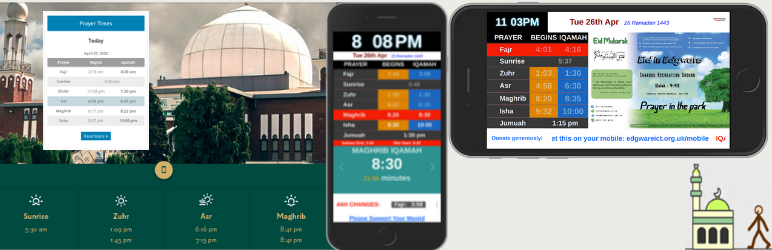

Description
For video tutorial please follow these links:
— (Latest) How to tutorial
Alhamdulillah that you can display Yearly and Monthly prayer time with ajax month selector using shortcode [timetable]
Daily prayer time can be displayed vertically or horizontally in your preferable widget area. Designed for any Mosque or Islamic institutes.
You need to upload your masjid’s timetable from plugin admin section.
PULL REQUEST
[GITHUB https://github.com/mmrs151/daily-prayer-time/pulls]
Add your commit and make a pull request. Please describe your feature, I will add it to the core.
[IMPORTANT]
If you don’t see any update of this plugin for over a year, I might have departed.
Please feel free to copy the whole code and relase in a different name, so the masajid can be served.
My sole intention is to support the ummah.
So I have absolutely no complain as long as you have the same intention, Fi Sabilillah.
Mustafiz.
Features
Once the installation above is done, this will allow the Admin/Editor
-
To display prayer start and jamah time
-
To display ramadan timetable for daily or full month
-
To display next prayer and IQAMAH notifications
-
To display prayer time either vertical or horizontal widget.
-
To display ‘Jamah time’ only if you chose.
-
To chose from three different themes
-
To chose Asr salah start method
-
Display monthly and yearly timetable using shortcode [timetable] from any page or post
-
Display Khutbah time announcement on Friday
-
Display Iqamah time only for monthly timetable using shortcode
-
Upload any number of days, weeks, months or a full year.
-
Support all language that are readable on the web
-
Use custom css using the class dptUserStyles to decorate your element table elements.
-
Use span class dpt_jamah and dpt_start along with [next_xxxx_prayer] and design your view however you want.
-
Display Iqamah update for next day
-
Display prayer time on big monitors in the masjid
-
Display Quran verse in a shortcode
shortcodes
- [monthlytable] — Display Yearly and Monthly prayer time with ajax month selector
- [dailytable_horizontal] — Display daily timetable horizontally
- [dailytable_horizontal asr=hanafi] — Display daily timetable horizontally with Hanafi Asr start method
- [dailytable_vertical] — Display daily timetable vertically
- [dailytable_vertical asr=hanafi] — Display daily timetable vertically with Hanafi Asr start method
- [dailytable_horizontal asr=hanafi friday_alert=”First Khutbah: 1:15. Second Khutbah: 1:45″] — Display Friday announcement
- [monthlytable display=iqamah_only] — Display Iqamah only for Yearly and Monthly prayer time with ajax month selector
- [monthlytable display=azan_only] — Display Azan only for Yearly and Monthly prayer time with ajax month selector
- [monthlytable heading=”Månedlige Tidsplan”] — Display monthly time table heading in any language, default is ‘Monthly Time Table for’
- [digital_screen] — Display prayer time on big monitors in the masjid
- [quran_verse] — Display a random verse from the Holy Quran
- **[disable_overnight_dim] — disable overnight dimming of the digital screen
… and more. Check the ‘helps-and-tips’ page in plugin settings once you install it.
Screenshots
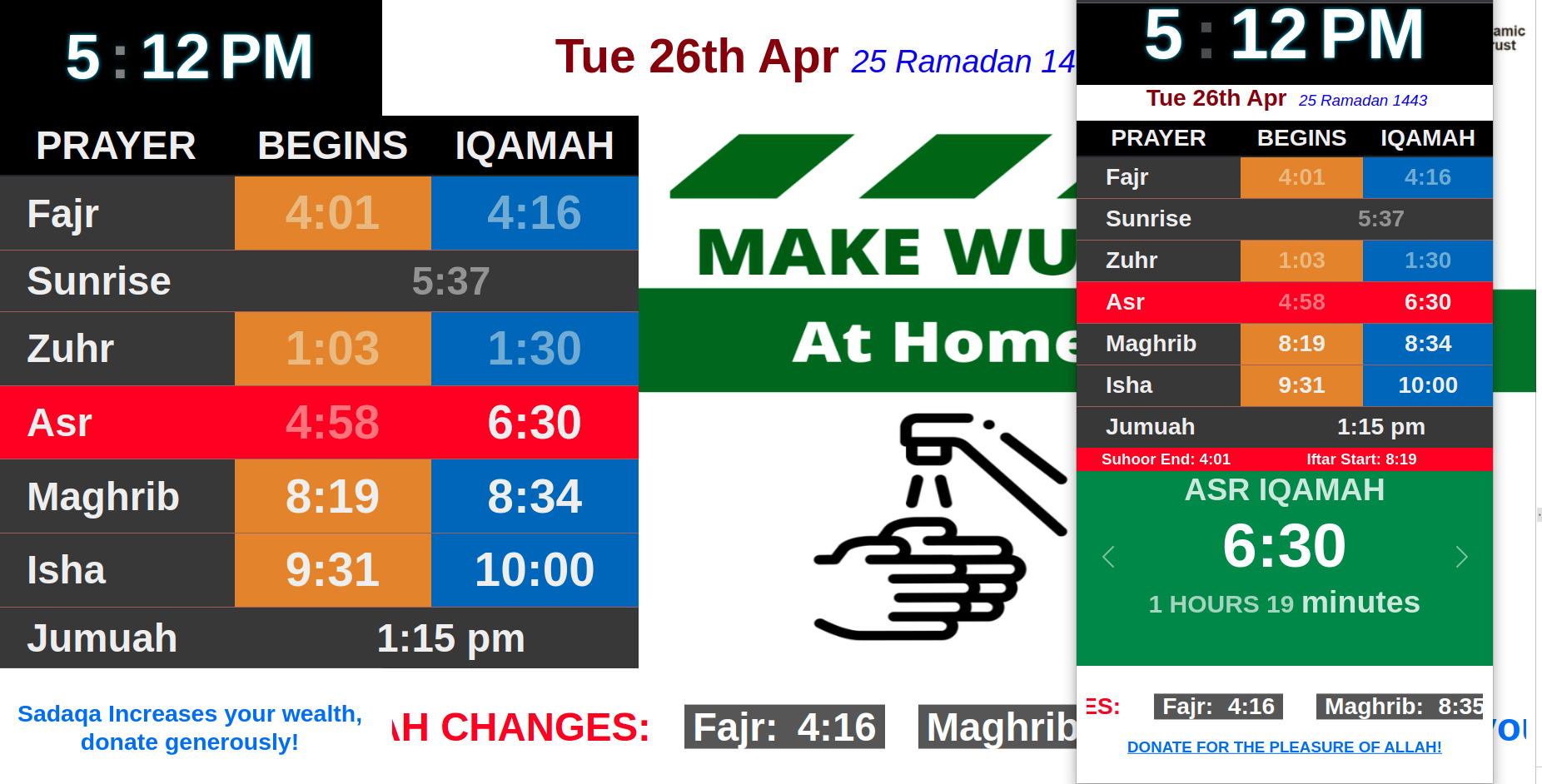
Masjid and Mobile display 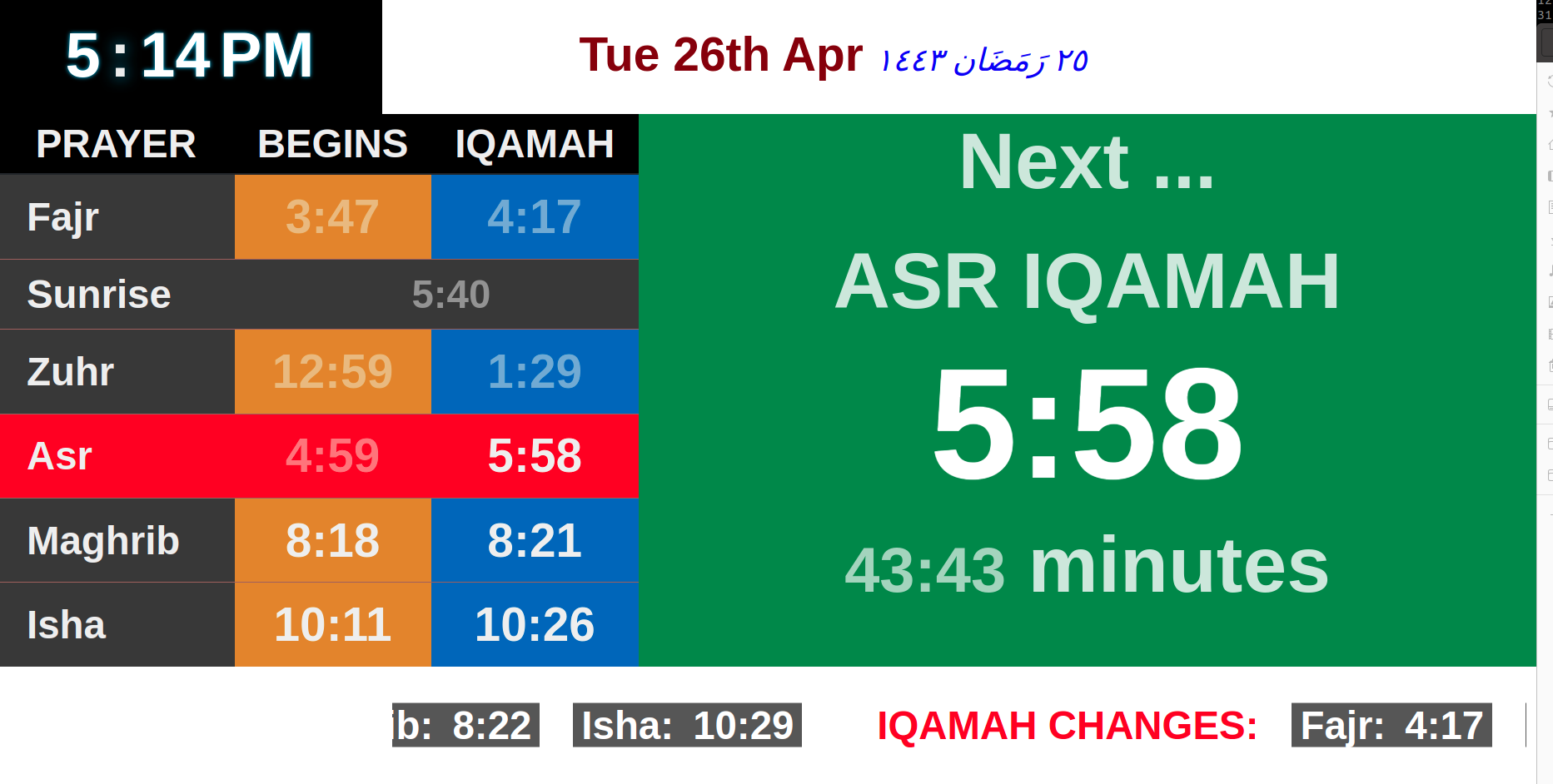
Display time remaining for next prayer 
Random Quran verse 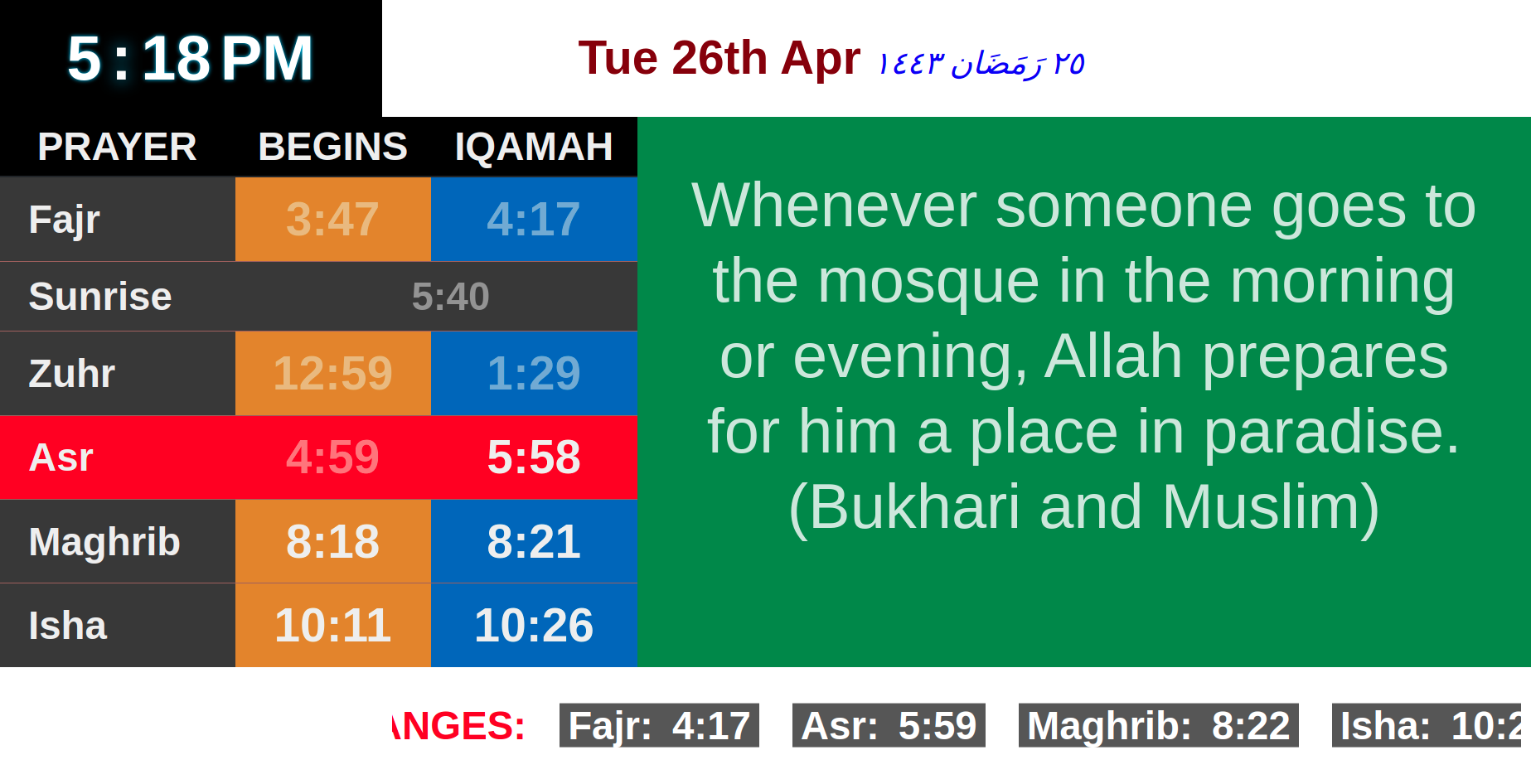
Add hadith or your own message 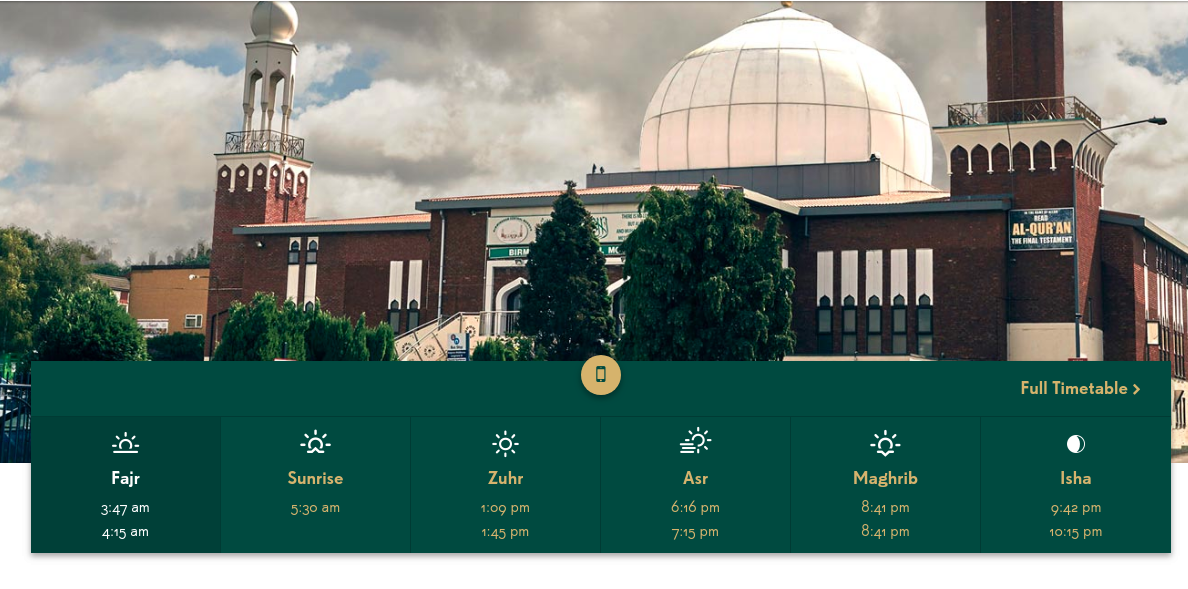
Design anyway you like 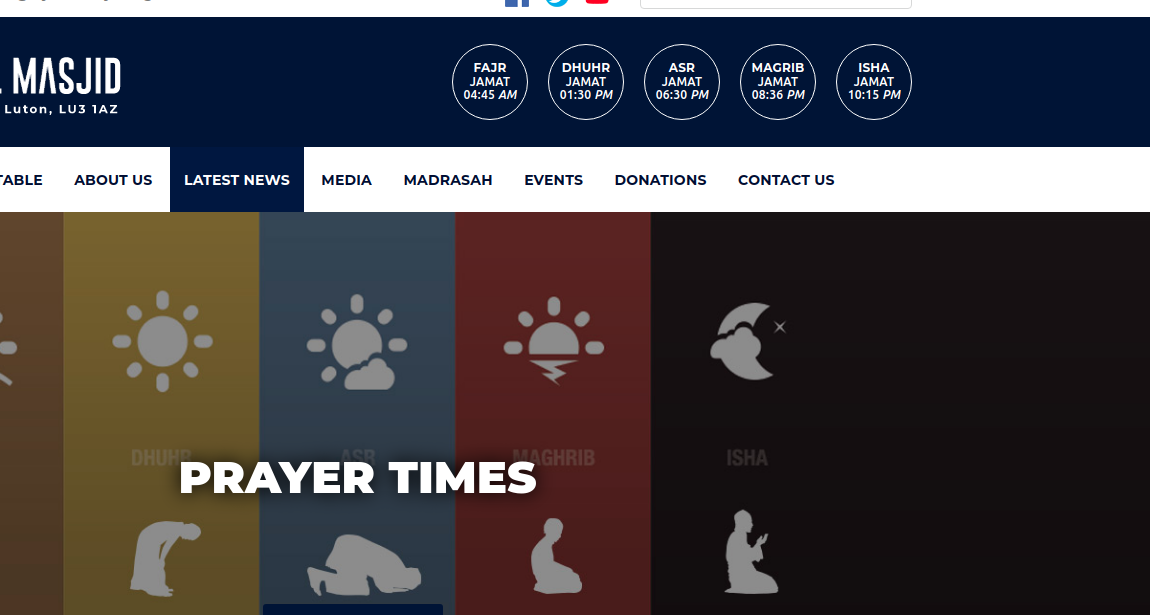
Design anyway you like 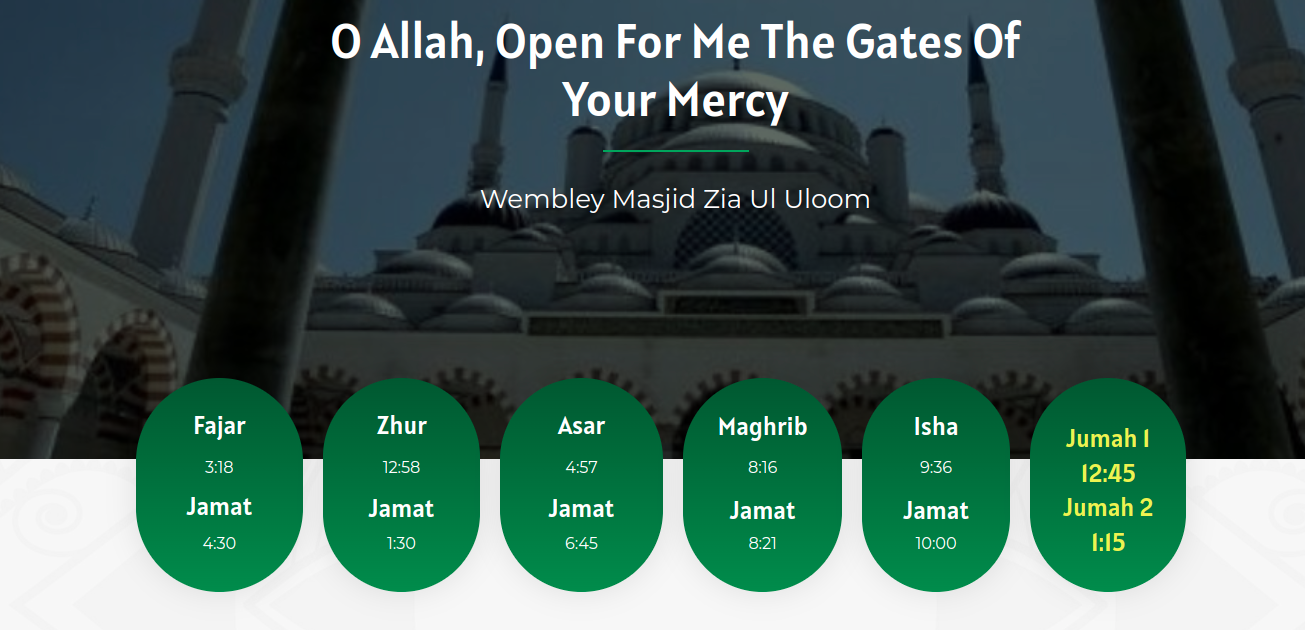
Design anyway you like 
Default Website daily view 
Default Website monthly view 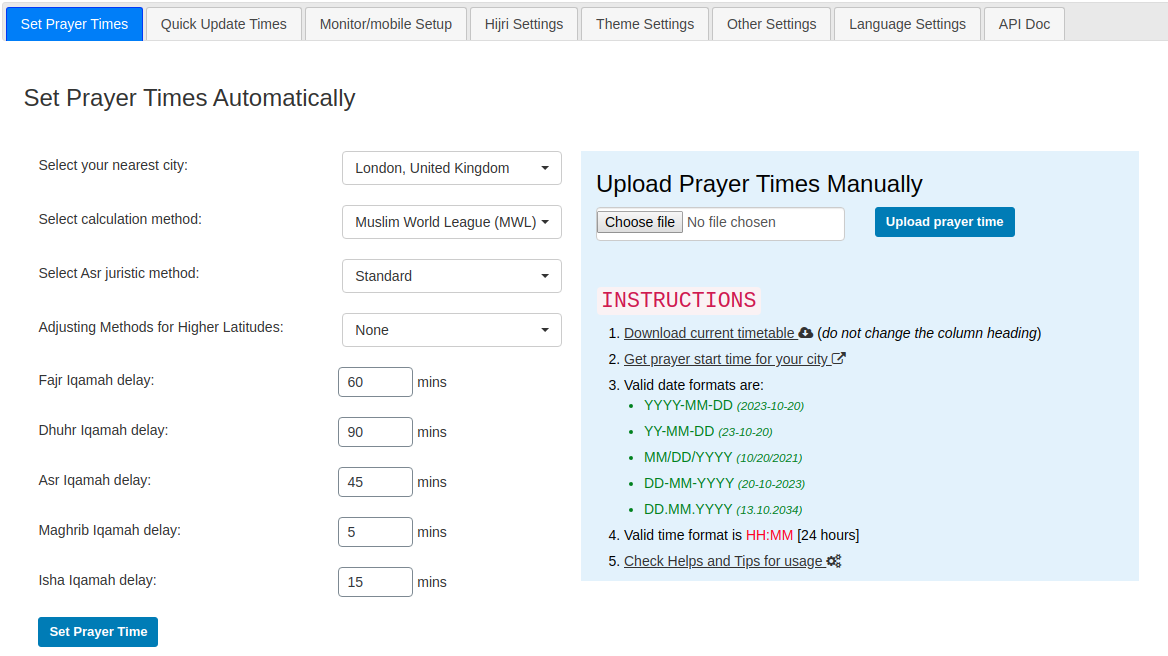
Settings page 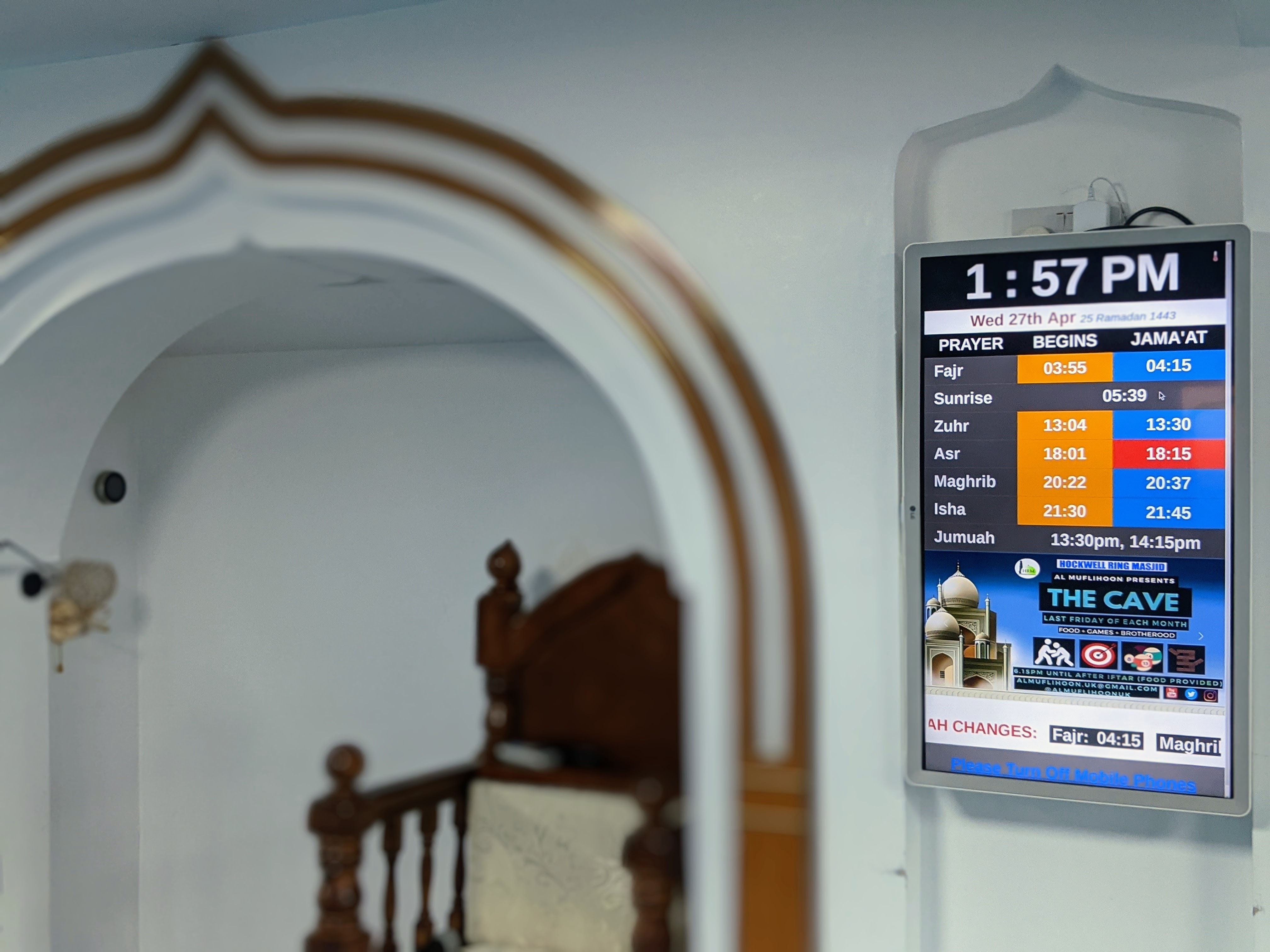
Sample 1 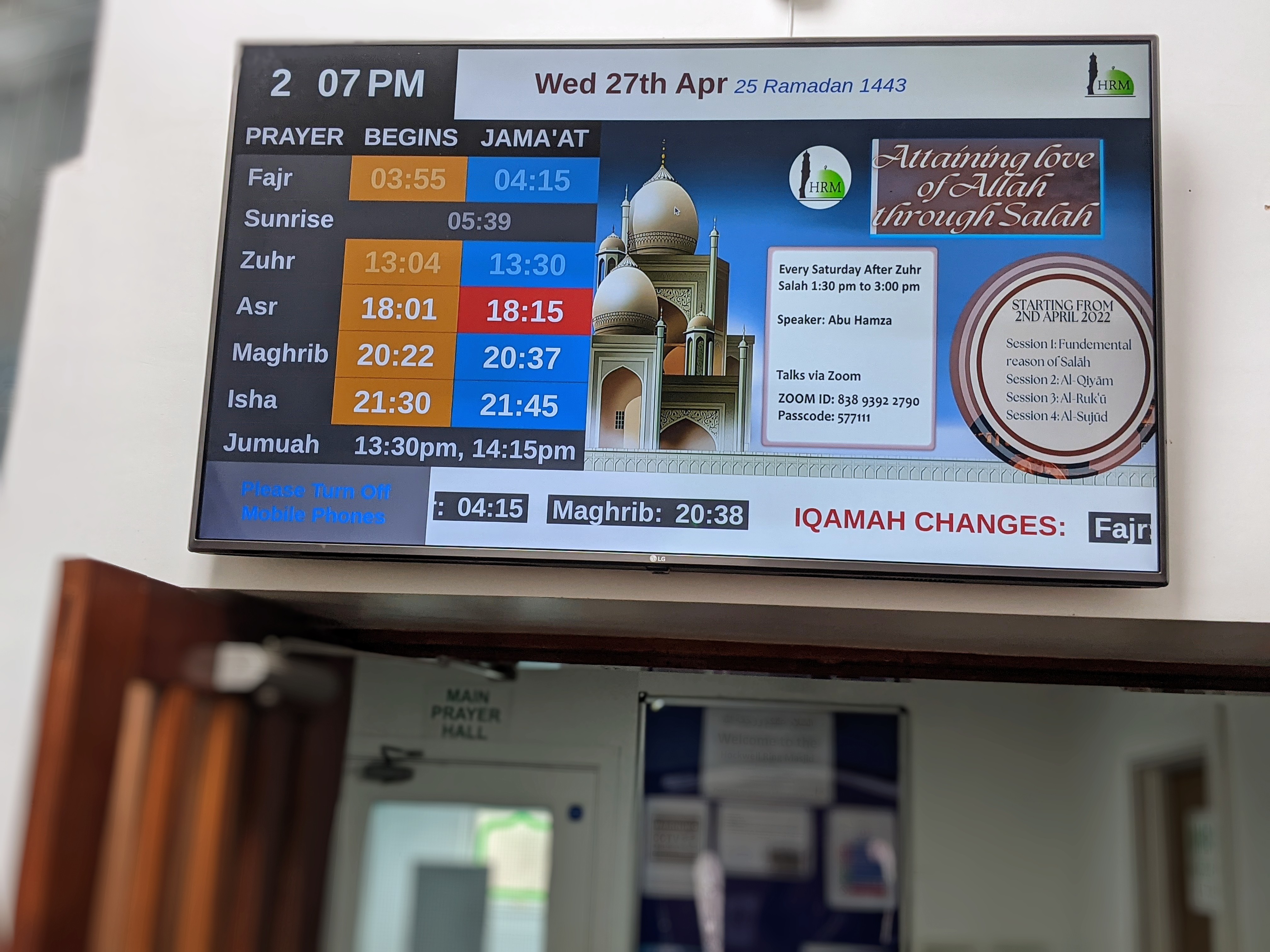
Sample 2
Installation
- Download the plugin
- Simply go under the Plugins page, then click on Add new and select the plugin’s .zip file
- Alternatively you can extract the contents of the zip file directly to your wp-content/plugins/ folder
- Finally, just go under Plugins and activate the plugin
Comprehensive setup
Please upload your mosque’s timetable in .csv format from the plugin setting page.
FAQ
-
Why my time table is showing all zeros(0)?
-
You will need to import your mosque’s timetable csv from settings section.
-
Why my date is showing ‘1, Jan 1970’
-
Because you have not imported your mosque’s timetable or your date format is not valid mysql format, which is (YYYY-MM-DD)
-
How to display ramadan time
-
Simply put ‘1’ for the last column(is_ramadan) in the sample csv for the days belongs to ramadan before upload
-
Why does it not show minutes remaining for next IQAMAH
-
Please check/update your timezone settings in Settings > General
-
What other features coming in the next updates
-
Please look at https://trello.com/b/6Re5Dga7/salah-time-wordpress-plugin
Reviews


Contributors & Developers
“Daily Prayer Time” is open source software. The following people have contributed to this plugin.
Contributors

Translate “Daily Prayer Time” into your language.
Interested in development?
Browse the code, check out the SVN repository, or subscribe to the development log by RSS.
Changelog
2026.05.11
- Feat: Two-column layout for Theme settings (Daily Prayer Table | Digital Screen)
- Feat: Native HTML color picker for each color setting
- Feat: Page-level “Reset All” button deletes all theme options
- Feat: Only valid hex colors (#RRGGBB) are saved; ‘0’ or empty are ignored
- Feat: Add digitalScreenGreenFont color option for next prayer font
- Fix: Stop sunrise/zawal toggle after zawal time has passed
2026.05.05
- Fix: Display Quran verse on right panel for Usman template
- Fix: Show top header with logo and mosque name on mobile, bottom on desktop
- Refactor: Simplify CSS with clamp() for responsive fonts
- Refactor: Use flexbox layouts for full height utilization
- Style: Add decorative border around Quran verse
- Fix: Reduce spacing in prayer section on mobile
- Style: Larger font sizes for prayers and headings
2026.05.04
- Feat: Glassmorphism prayer cards with blur effect in EICT template
- Feat: Glow animation on next prayer highlight
- Feat: Hover transitions with smooth card lift
- Feat: Gradient backgrounds (top section and banner)
- Feat: Fluid typography using clamp() for responsive sizing
- Feat: Mobile responsive — 2-column centered layout for prayer cards
- Fix: Jumuah font sizing — smaller font when jumuah3 is set
- Fix: Correct spelling from jumah to jummah in CSS selectors
2026.05.03
- Fix: Timezone issue in isZawalTimeNext by using user_current_time for consistent comparison
- Fix: Show zawal name instead of sunrise when zawal is next (with fallback)
- Fix: Only highlight ishraq row when ishraq is next (not zawal)
- Fix: Only highlight zuhr row when zawal is next (not sunrise row)
- Fix: Ishraq highlighting in horizontal table’s printAzanTime method
- Fix: Jumuah display logic — show row only when times set and before last jumuah time
2026.05.01
- Feat: Add media gallery button for selecting slider images from WordPress media library
- Feat: Add dynamic slider management — show 1 initially, add more up to 7 sliders
- Feat: Add template selection with checkbox to enable/disable templates (EICT, Usman)
- Feat: Add two-section slider card layout — fields on left, thumbnail preview on right
- Feat: Make template grid responsive (stacks on mobile)
- Fix: Template display logic — now requires both checkbox AND template selection enabled
- Fix: Preserve textarea formatting without extra spaces
- Fix: Remove duplicate CSS rules causing extra spacing
2026.04.28.1
- Fix: Add horizontal scroll wrapper to monthly table for mobile display
2026.04.28
- Feat: Add Ishraq time feature with admin toggle in settings
- Feat: Redesign Helps & Tips page with accordion layout and click-to-copy shortcodes
- Feat: Redesign Language Settings page with accordion layout and language presets
- Fix: Correct isIshraqTimeNext logic — check if now is between Fajr and Ishraq
- Fix: Handle ishraq in daily timetable — merge into sunrise row
- Fix: Remove ishraq/zawal from getAzanTime array to prevent errors
- Fix: Add CSV row validation in QuranDB import
- Fix: Various bug fixes and improvements
2026.04.26
- Feat: show detailed CSV upload results — inserted and updated rows in accordion
- Fix: change Hijri date to update after Maghrib (sunset) instead of midnight
- Feat: add iqamahTime and azanTime to next_prayer API response
2025.10.26
- Fix: Fix JS bug